NotesBuild notes
From one line to a 3D film: making the film code check its own facts
PromptFilm goes through research, storyboard, production and review to make a 3D film that plays in the browser. Using three films about space, a GPU and a movie scene, here are the safeguards I built into the film code so the numbers on screen stay right.
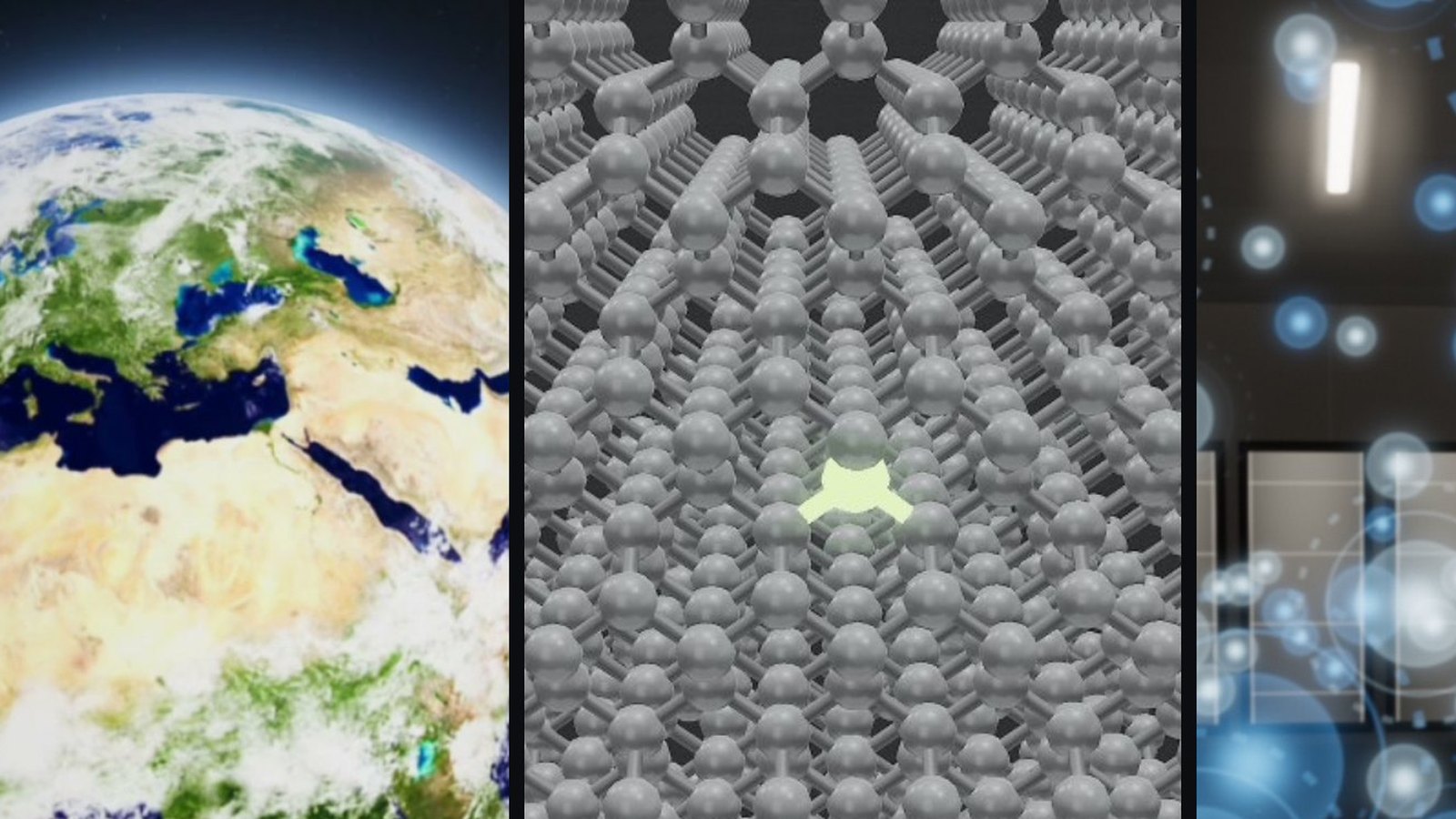
PromptFilm is a Claude Code plugin. Type one line, such as "zoom out from Earth to the edge of the observable universe," and it makes a 3D film that plays in the browser as a single HTML file. If you want, it also exports a 1080p 60fps MP4.
What worried me most while building a tool like this was a film that looks convincing but is wrong. When one number in an explainer is wrong, it becomes hard to trust everything else. So PromptFilm puts as much effort into the process of not getting things wrong as into making things look good. This post walks through that process using three films I actually made.
How one film gets made
| Step | What happens |
|---|---|
| 1. Questions | Research depth, aspect ratio, length and subtitle language are asked once at the start. From then on it works on its own. |
| 2. Research | It gathers sourced facts, reference photos and scenes from reference videos. |
| 3. Storyboard | It makes cards that set how many seconds each scene gets, and gets them approved in the Studio view. |
| 4. Production | Claude writes the 3D scenes as code on top of the bundled film engine. |
| 5. Review | It fixes and rechecks until the film passes automatic checks, an on-screen review by a separate agent that did not make the film, and a final gate. |
| 6. Delivery | Every version's HTML is kept, and an MP4 is exported if wanted. |
One film takes several hours of agent work and a lot of tokens, because of the research and the multiple rounds of review. It is a choice that puts trustworthy results ahead of fast generation.
Numbers live in the code, with their sources
The numbers that appear in a film are not scattered through the scene code. They are gathered with their sources in one fact table at the top of the file. The table for the space film (Cosmic Size Ladder) looks like this.
earth:     { r: 6371.0,  src: 'NASA Earth fact sheet (mean radius)' },
jupiter:   { r: 69911,   src: 'NASA Jupiter fact sheet' },
sun:       { r: 1.0 * KM.RSUN, T: 5772, src: 'IAU 2015 nominal solar radius' },
betelgeuse:{ r: 764 * KM.RSUN, T: 3600, src: 'Joyce et al. 2020 (702–880)' },
proxima:   4.24,     // ly
obsUniverse: 93e9,   // ly, diameter (ESA)
Scenes and subtitles take their values from this table. If a subtitle says "Jupiter — 11 times Earth," that 11 is not a number someone typed by hand; it is computed from the radii in the table. If a source turns out to be wrong, fixing one line of the table updates every scene.
Numbers without a good direct measurement, such as a star's brightness, are computed. A star's luminosity is proportional to the square of its radius and the fourth power of its surface temperature (the Stefan–Boltzmann law), so it is derived from the radius and temperature in the table.
The film checks its own facts
Going one step further, some numbers are checked by the film itself before it plays.
The GPU film (Blackwell) draws the chip structure following NVIDIA's architecture documents. The documents say one chip has 12 GPCs, each GPC has 8 TPCs, each TPC has 2 SMs and each SM has 128 CUDA cores. The film code computes the totals from these values and checks that they match the totals stated in the documents.
const DOCUMENTED_TOTALS = { tpcs: 96, sms: 192, cuda: 24576, tensor: 768, rt: 192, busBits: 512 };
// 12 × 8 = 96 TPCs, × 2 = 192 SMs, × 128 = 24,576 CUDA cores …
ARCH_CHECK.forEach(c => console.assert(c.ok, `ARCH mismatch: ${c.key}`));
The film that reconstructs a movie scene (New Element) ends with the subtitle "Element 117 was reported four weeks before Iron Man 2 opened." That "four weeks" was not typed by hand either. The paper's publication date (April 9, 2010) and the film's US release date (May 7, 2010) sit in the table, the code computes the difference in days, and if it is not 28, it throws an error so the film does not start at all.
const DAYS_117_TO_FILM = Math.round((Date.parse(FACTS.film.usRelease) - Date.parse(FACTS.e117.reported)) / 864e5);
if (DAYS_117_TO_FILM !== 28) throw new Error('fact check: element 117 → film should be 28 days, got ' + DAYS_117_TO_FILM);
It may look like overkill, but it prevents facts from drifting when numbers are changed or scenes are moved while fixing a film. If something drifts, the film stops right away instead of quietly shipping wrong.
Saying what is not known
Parts that cannot be confirmed from public sources are labeled illustrative inside the film.
- The Blackwell chip diagram is only a logical block layout, not the actual silicon floorplan, and the subtitles say so. The inside of the card and the transistor material layers are also illustrative, showing a typical structure.
- Where documents disagree with each other, the disagreement is left as is. NVIDIA's documents say the RTX PRO 6000 uses the full chip, while the spec sheet lists 188 SMs. The film draws the full 192-SM structure but does not invent which SMs are disabled in the shipping product.
- In the space film, Planet Nine is labeled "hypothetical · undiscovered," and the cosmic web "observed only within about 1 billion light-years; beyond that, simulated structure."
The sources and illustrative labels for all three films are collected on the films page.
What else has to be right besides numbers
Getting the facts right does not by itself make a good film. A few things are set at the engine level.
Scenes with enormous scale. The space film covers everything from Earth (about 10⁴ km) to the observable universe (about 10²³ km) in one scene. Putting that range straight into 3D coordinates breaks the computer's floating-point precision and makes the image jitter. So every frame, the whole universe is scaled down so the camera always stays at the same distance from what it is looking at.
Viewing pace. Each scene is tagged with a role, such as intro, key point, progress, transit or return, and plays at a different speed. Long transits where nothing new appears go fast, and in front of whatever a subtitle points to, it pauses to give you time to read.
Review on screen. During production, a Studio page opens that only your own computer can access. You scrub the timeline, and when you spot a problem you click right on the screen to leave a comment. Claude receives it with a snapshot of that scene, fixes it and replies.
To try it
/plugin marketplace add Seokwoooo/promptfilm
/plugin install promptfilm@promptfilm
The only thing you install yourself is Node.js 20 or later. The first run checks for the rest (headless Chrome, ffmpeg and so on) and installs what is missing. 8GB of memory is enough, but rendering is slow without a GPU.
When you watch the results, I suggest doubting the numbers on screen at least once. The safeguards above only reduce mistakes; if a source itself is wrong, the film is wrong too. If you find an error, please let me know.