
 001
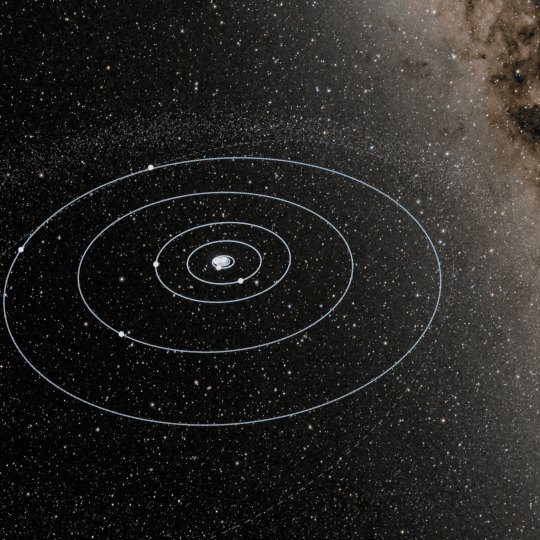
001A comparison of Earth, planets, stars, and galaxies, zooming out to the observable universe.
02:571:1Silent preview
FROM AN IDEA. INTO MOTION.
From the words you write
to scenes that move.
PromptFilm is a video production plugin for Claude Code. It researches the subject, plans the scenes, and builds a 3D HTML film for the browser. Review and revise the result, then export to MP4.
Previews play as you scroll into view.
Click to watch the original in full.
001A comparison of Earth, planets, stars, and galaxies, zooming out to the observable universe.
 002
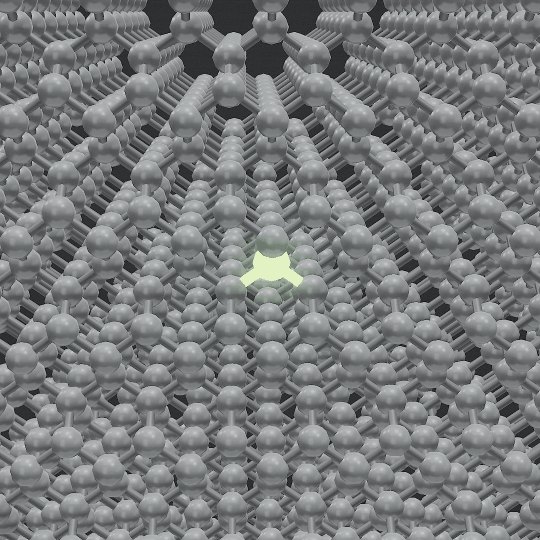
002A zoom from a data center through a GPU, core, and transistor to silicon atoms.
 003
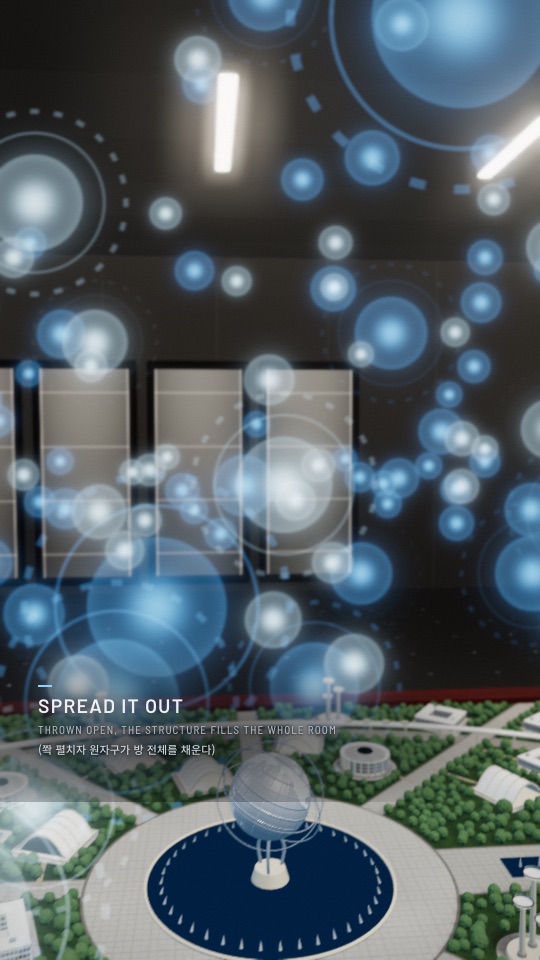
003Based on a film scene about discovering a new element. A model is scanned, broken into particles, and rebuilt as a nucleus.
The workflow runs from source research
to video export in these steps.
Research the subject and distinguish verified facts from illustration. Choose the aspect ratio, duration, and caption languages.
Plan each scene’s composition, camera movement, and captions. Review the storyboard before production.
Build the scenes and motion with Three.js in an HTML file. Check loop transitions, captions, pacing, and rendering errors.
Comment on frames and adjust playback speed in Studio. Export the reviewed result as MP4. A separate SRT caption file can be produced on request.
In Studio, attach revision comments to a time and position in the frame. Claude Code reads those comments and edits the scene.
 1
1Reduce the zoom speed
in this section.
How a film gets made, what it takes in time and resources, and what keeps the result honest.
The output is a real-time Three.js film in a single HTML file: studio lighting, physically based materials and one continuous camera, looping seamlessly. When you want it, it exports a frame-exact 1080p 60 fps MP4. Aspect ratios are 9:16 (Shorts, Reels, TikTok), 16:9, 1:1 or 4:5, with captions in one or two languages.
Every number on screen has a source, and anything not public is marked as illustrative. The films page lists the sources and illustrative parts of all three examples.
A film takes hours of agent work and a lot of tokens: research, building and several rounds of checks.
A local Studio page opens while the film is being made. Scrub the timeline, click right on the frame to leave a comment, and Claude receives it with a snapshot, fixes it and replies. You can change the pace of any section, and those edits survive rebuilds. The Studio listens only on 127.0.0.1.
Ask Claude Code to “run the promptfilm selftest.” In about five minutes it builds the engine’s test films in a temporary folder and runs every check, including ones that must catch planted faults.
In your working folder, one folder per film (./film-name/). Your kickoff answers are saved in ./.promptfilm/settings.json and offered first next time.
Add the marketplace, then choose a scope in the plugin installation screen. Choose user scope for your own work.
You can also restart Claude Code. Then run /promptfilm:promptfilm or describe the video you want to make.
Read the full guide on GitHub ↗/promptfilm:promptfilm Create a 3D journey from Earth to the observable universe, comparing objects at their true scale.
Claude Code · Node.js 20+ · FFmpeg · Chrome/Chromium · Python 3
FFmpeg is used for MP4 export; Chrome for QA and rendering. Developed and tested on macOS Apple Silicon.
Create browser-based 3D HTML, review and revise it in the local Studio, then export MP4 or PNG. Captions are part of the film; SRT is available on request. The autoplay previews are MP4 recordings of the actual HTML; click to view the HTML original.
This is a Claude Code plugin. After installation, check that /promptfilm:promptfilm is available. You can list installed plugins with claude plugin list in your terminal.
Run this in your terminal, then use /reload-plugins in your open Claude Code session or restart it.
Research, scene planning, production, and review run in sequence. Complex scenes take longer. Expect to review the storyboard and revise the result.