NotesBuild notes
Handing a long AI chat to another AI: a handoff document that extracts instead of summarizing
AI Chat Exporter builds a handoff document by picking original sentences from the chat with rules alone, no LLM. I compared methods on 27 real chats and raised the accuracy of an AI given only the document from 78.8% to 97.6%.
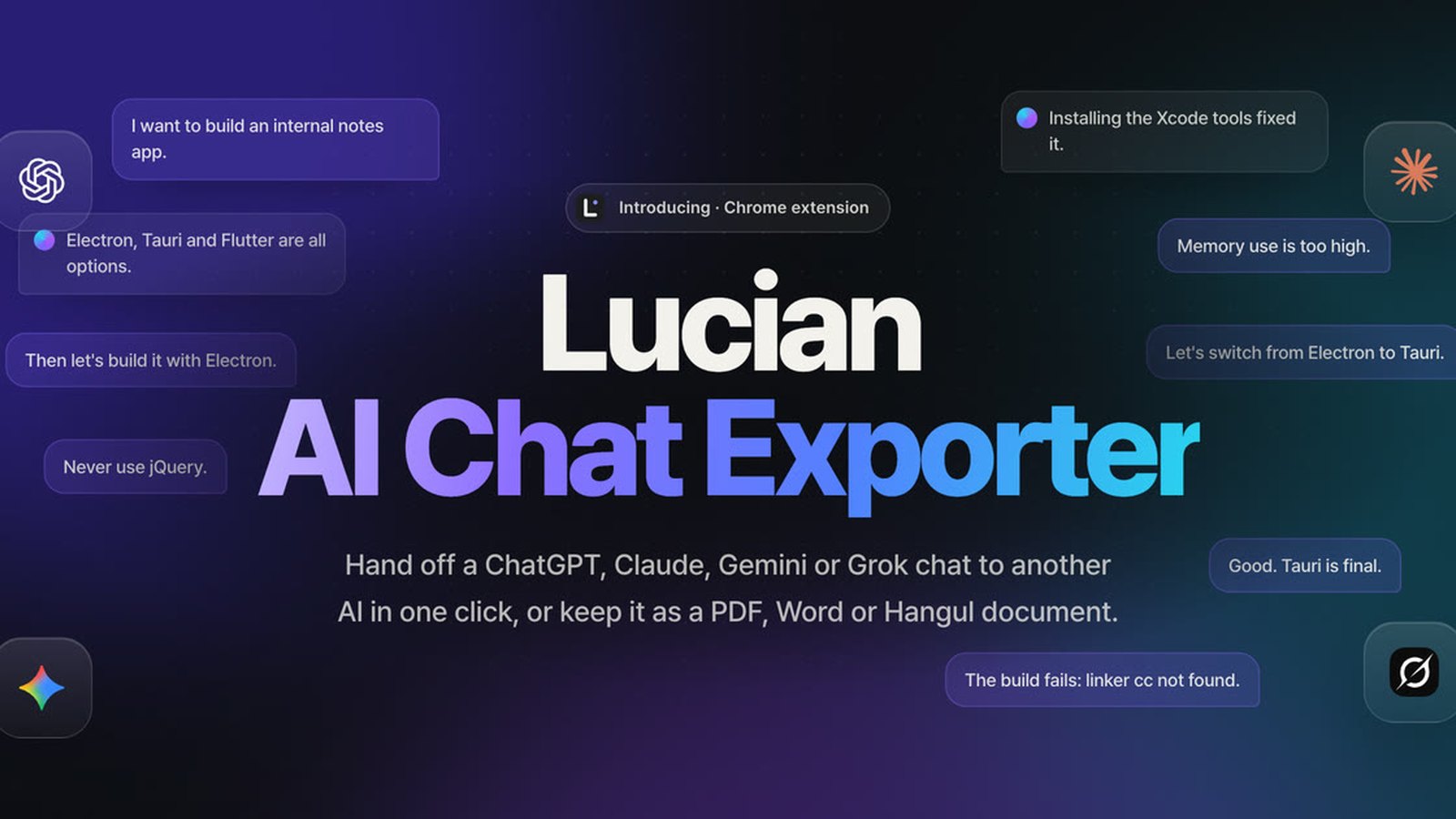
Talk with ChatGPT or Claude about one topic for days and two things happen. The chat gets so long that the AI stops remembering the early parts well, or you want to move to another AI and carry on there. That is when people ask "summarize everything so far" and paste the result into a new chat.
This approach has problems. The summarizing AI makes up things that were never said, drops important decisions, or blurs the restrictions you set. To check whether the summary is right, you end up rereading the original chat anyway.
Lucian AI Chat Exporter solves this differently. It extracts instead of summarizing.
Picking, not generating
Building the handoff document uses no LLM, no embeddings and no external API. Rule-based TypeScript code picks original sentences as they are from the chat and organizes them.
- Every picked sentence carries its position in the original (
[#m12]is the 12th message), so the next AI or you can check the source. - Since it only picks original text, facts that were never there cannot slip in.
- All processing finishes inside your browser. The chat is never sent to an outside server or another AI.
The document has a fixed order. At the top is a note for the AI that will read it, followed by basic info, goals and the flow of requests, attachments, settled decisions, instructions, restrictions and prohibitions, completed work, current state, open problems, next tasks, causes of failure, key code, reference links and the most recent original messages. Sections with nothing in them are left out.
When a decision changed, the latest one comes first, but the earlier one is not deleted. It does not conclude that something changed from keywords alone, and items it cannot be sure about are marked.
How much smaller
A handoff document is about 12% of a full export of the whole chat (8,000 to 32,000 tokens). For any chat, it never goes over two thirds of the whole.
Cutting down to 12% loses something. So the heart of the work was finding the method that keeps the most information in the same space.
Comparing methods on real chats
I experimented with 27 of my own real ChatGPT chats, each longer than 12,000 tokens (about 1.52 million tokens of original text in total). Within the same space, I measured how much survived: factual sentences, keywords, entities such as people and product names, and the words the user wrote.
| Method | Overall score | Facts kept | Keywords |
|---|---|---|---|
| Keep only the beginning | 46.3 | 19.7% | 73.5% |
| TextRank | 46.1 | 26.6% | 87.4% |
| Keep only the most recent part | 50.3 | 31.2% | 81.2% |
| MMR | 55.7 | 30.9% | 81.3% |
| Previous version (v1.1) | 55.5 | 24.6% | 81.7% |
| Adopted version (v1.2) | 58.8 | 29.3% | 88.4% |
The selection method that fit best was budgeted maximum coverage. It picks first the sentences that add the most concepts (words and word pairs) not yet in the document, per token. Concepts already in the decision or request sections count as covered. That way, the same content is never added twice and as much new information as possible fits in.
I also compared newer methods such as embedding models and sentence compression models, but did not find one that did better in the same space while running lightly in a browser.
The biggest loss was not the algorithm
The surprise in the experiments was that the biggest cause of lost information was not how sentences were picked but very long messages. Real chats had few messages (a median of 10), and single messages were often very long. Some chats had more than 170,000 tokens in just one to three messages.
The previous version kept only the beginning and end of such long messages and cut the middle. Whatever was in the middle disappeared entirely. The new version puts the sentences, tables and lists from the cut middle into the candidate pool on the same terms as every other sentence.
Can an AI given only the document answer questions?
A high score does not mean the document is actually useful. So the third experiment asked a different question: "Can an AI given only this document correctly answer questions about the chat?"
Measuring with synthetic chats that had set questions and answers showed that the old document spent most of its space filling structural sections. After reworking how space is split among sections and the rules for decisions, accuracy rose from 78.8% to 97.6%, and the document actually got shorter. On 31 real chats the improvement was smaller: facts kept went from 29.7% to 33.2%, and output shrank by 7%. I report both results together because the synthetic-chat numbers alone make it easy to overestimate the effect.
A problem a user reported
Some problems the experiments did not catch. A user reported that "the handoff file that is supposed to be compressed is bigger than the full export." Checking, I found that for short chats it was including the whole original and then adding the note and sections on top, which made the file 29–38% larger than the full export.
Here is what I fixed.
- Short chats are no longer split into sections. Only the key sentences from the original, in order are kept, with
…marking omissions. In the same space, this kept more of the actual chat than the sectioned format (preservation score 59.5–81.3 → 85.3–88.0). - I also changed how tokens are counted. It used to count "1 token per Korean character, 1 token per 4 other characters," which counted markers like
[#m12]and tables at about half their real size, so documents looked smaller than they were. Now it uses an estimate kept within ±7% of a real tokenizer.
Speed and limits
- Building the handoff document for a 1-million-token chat (4,514 messages) took 1.16 seconds (M2 Pro, Chrome 155). Rebuilding for the same chat reuses the analysis and takes 0.85 seconds.
- Exporting long chats several times in a short period makes the service block requests for a while. In the past, it would then fall back to reading by scrolling the page and could miss messages (in one real case only 16 of 42 remained). Now it waits as long as the service says and fetches again, and if it is still blocked, it builds from a copy fetched earlier and tells you so.
- The services where the full flow (from clicking the button to saving the file) was checked with real accounts are ChatGPT and Claude. For Gemini and Grok, the data structure was checked read-only on the real sites, and the full flow was verified on mock sites.
- Each service's internal structure can change without notice.
How to use it
After installing it from the Chrome Web Store, refresh a ChatGPT, Claude, Gemini or Grok chat and a Lucian button appears under the answers. Choose Extract handoff Markdown and a file named like Chat-title-lucian-handoff-date.md is saved. Attach this file to a new chat with another AI and say "please continue from here."
It can also export the whole chat as PDF, Markdown, Word or Hangul (HWPX). Full features and how your data is handled are on the introduction page.
Leaving the summary to an AI is convenient, but the cost of checking whether that summary is right comes back to a person. Picking original text as it is and keeping its position may look less polished, but because the next person or the next AI can check it, I think it suits a handoff better.