NotesExperiment
200 thumbnails in 4 files: cutting requests by loading images in packs
The UX/UI intro page requested 200 small JPGs one by one on every visit. Bundling them into 4 files of 50 images each cut more than 200 requests to this site.
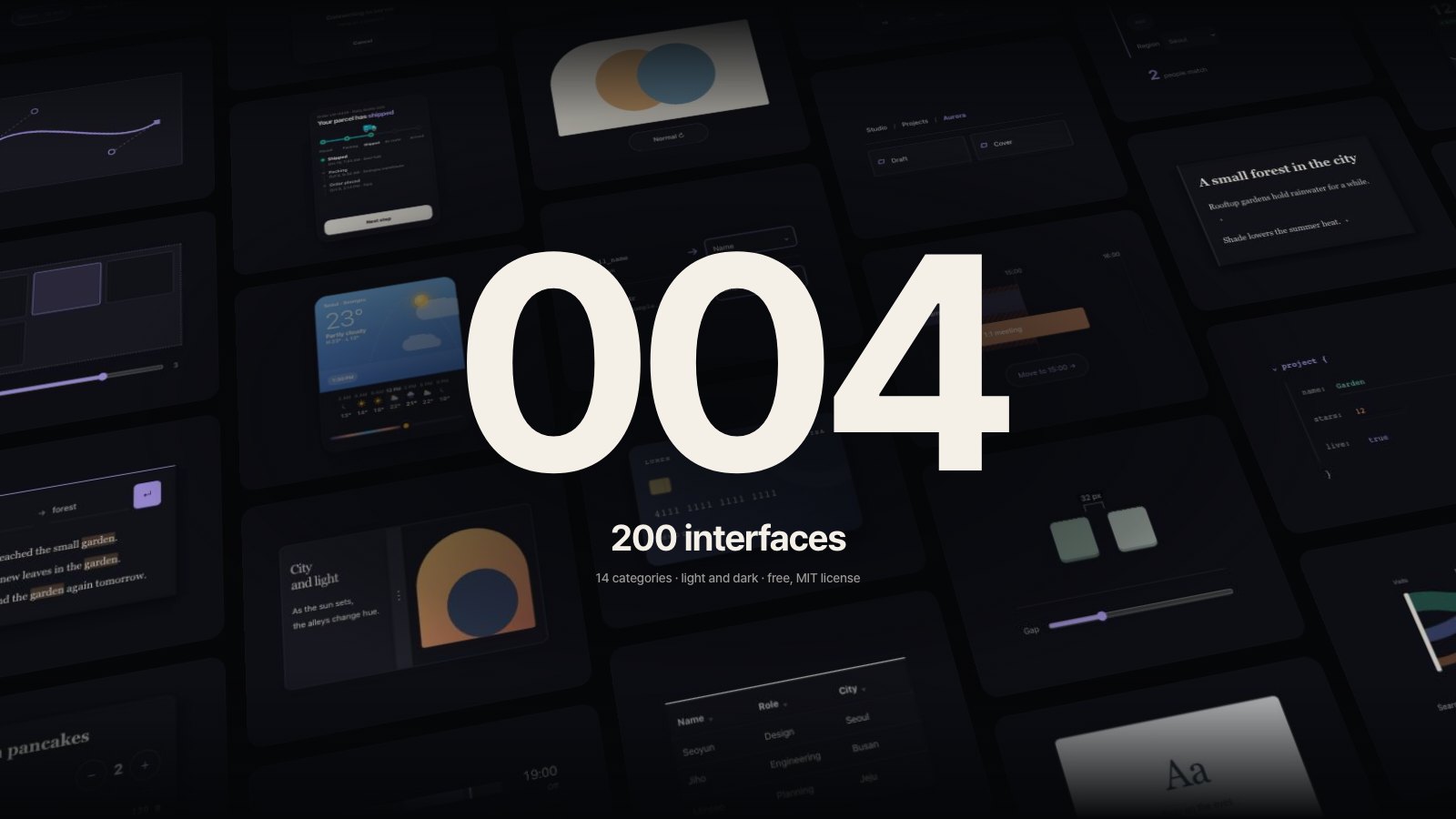
The UX/UI Prompt intro page shows thumbnails of the gallery's elements lined up like a wall. There is one thumbnail per element, 200 per language. Each is a small JPG of just over 4KB on average.
On October 15, while looking over the site's usage, this page caught my eye. Opening it once and scrolling to the end sent 210–235 requests, and 200 of them were thumbnail JPGs. All the files together came to only 832KB, so size was not the problem. The number of requests was.
Why the number of requests mattered
With HTTP/2, one connection can carry many requests at once, so hundreds of small files are not as slow as they used to be. Still, every request carries its own headers and gives both the browser and the server something to process.
The more direct reason was hosting. This site runs on Vercel, and the usage screen showed CDN requests growing faster than I expected. Every visitor who viewed this page once added 200 requests. Sending the same images in fewer requests is lighter for visitors and for running costs.
The approach: bundle 50 images into one file
At build time, the thumbnail JPGs are joined 50 at a time into a single binary file. That makes 4 per language, 8 for Korean and English together.
- The file name includes a hash of its contents (
thumbs-ko-0.27e198e74206.bin). When the contents change, so does the name, so browsers and the CDN can cache it unchanged for a year. - A list of where each thumbnail starts inside the file and how many bytes it takes is added to the page data.
- The first pack holds the thumbnails visible on the first screen first, so the images needed to draw the first screen arrive first.
In the browser, each pack is downloaded once, then cut into images using the list.
async function loadPack(pack) {
  const buf = await (await fetch(pack.url)).arrayBuffer();
  for (const [id, offset, length] of pack.items) {
    const blob = new Blob([buf.slice(offset, offset + length)], { type: 'image/jpeg' });
    urls.set(id, URL.createObjectURL(blob));   // goes straight into <img src>
  }
}
A blob: address made with URL.createObjectURL points to data in the browser's memory. So drawing 200 images takes only 4 network requests, one per pack.
Safeguards for failure
If one pack fails to download, all 50 images inside it go missing at once. So I kept the individual JPG files instead of deleting them.
- While a pack is still downloading, its thumbnails wait.
- If a pack fails, it is marked as failed and its thumbnails load from their original individual file addresses.
- If an individual file also fails, it is tried once more.
None of this is used normally, but it keeps parts of the screen from going blank on a shaky network.
Results
Today (October 24) I measured again by opening the live page and scrolling to the end.
| Item | Before | Now |
|---|---|---|
| Requests to this site (lucianlabs.dev) | 210–235 | 13 |
| Individual thumbnail JPG requests | 200 | 0 |
| Thumbnail pack requests | none | 4 (187–227KB) |
| Thumbnails drawn on screen | 200 | 246, all from packs |
Switching the language to English adds 5 requests: the 4 English thumbnail packs and 1 preview image. Each thumbnail contains text, so each language has its own set.
What I gave up
It is not free.
- Images you never see still download. A visitor who views only the first screen and leaves still downloads all 50 images in the first pack. That is why the first pack holds the thumbnails visible first.
- The first image can arrive a little later. A 200KB pack takes longer to arrive than one small file. On this page, thumbnails load before they scroll into view, so the difference was barely visible.
- One more build step. When thumbnails change, the packs must be rebuilt. The build script does it automatically, so it takes no extra work.
CSS sprites, which merge many images into one, are an old technique with the same goal. But recompressing the merged image costs quality one more time, and each thumbnail has to be positioned and cropped for display. Joining the JPG files as they are leaves the originals untouched and lets the page use a plain <img>, which suited this page better.
When this is worth using
- Pages with dozens to hundreds of small images, most of them visible at once
- Images that rarely change and can be cached for a long time
- Hosting plans where request counts affect price or limits
On the other hand, for a long list that users scroll through bit by bit, lazy loading only the visible images is better. This intro page has a thumbnail wall that fills the whole screen, so packs were the right fit.