NotesBuild notes
When does a message sent mid-task reach Claude? Why I made /next
Plain messages sent while Claude Code is working slip in between tool calls. Slash commands wait until the turn ends. I used that difference to build a one-line skill and verified it with real sessions.
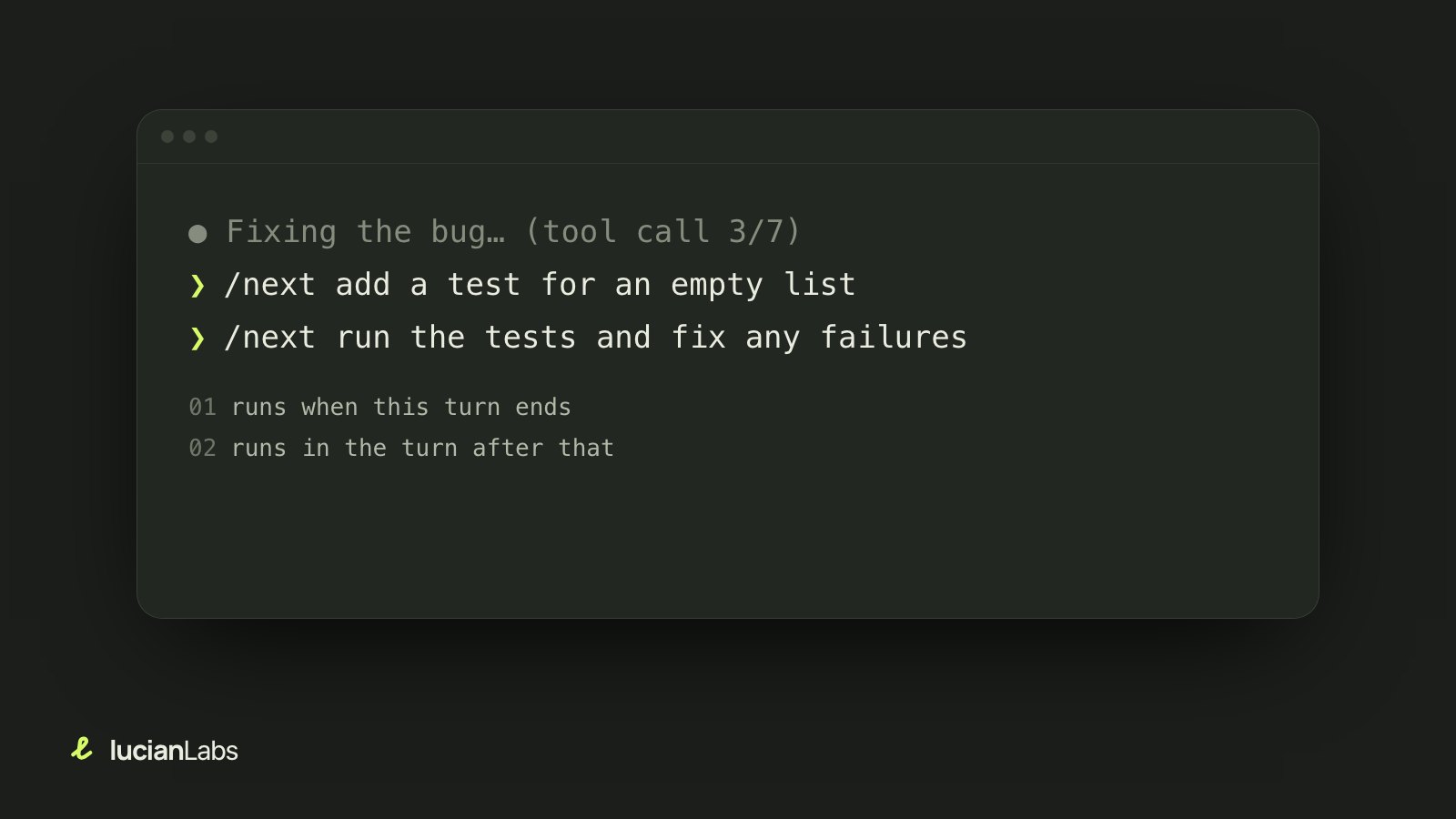
When you hand Claude Code a bug fix and watch the screen, the next task comes to mind. "Oh, there should be a test for an empty list too." You type it and send it right away, before you forget.
But this message reaches Claude during the task, not after it finishes. More precisely, as soon as the current tool call (reading a file, running a command and so on) ends. A new request cuts in while the bug is being fixed, before the tests have even run, and Claude tries to handle both at once. The two requests end up mixed into one answer, and the wrap-up of the first task (such as running the tests) can get lost.
Cutting in is the intended behavior
It looks like a bug, but it is intended behavior described in the Claude Code docs. Because plain messages sent mid-task arrive right away, you can correct the direction of the work in progress. Something like "not that file, the other one" is better the sooner it arrives.
The same docs describe another behavior. Slash commands wait until the current turn ends before running. So sending "the next thing to do" as a slash command gives exactly the order I wanted. The only problem was that no such slash command existed.
This is the whole skill
A Claude Code skill can be a single SKILL.md file, and users can call it as /name. This is the entire body of /next.
---
name: next
description: Queue a follow-up request that runs after the current turn finishes.
argument-hint: <next request>
disable-model-invocation: true
---

Treat the following as the user's follow-up request and carry it out now,
continuing from the current conversation: $ARGUMENTS
Whatever you write after /next goes into $ARGUMENTS and is handed to Claude as "the next request to carry out." The skill does no waiting itself. Claude Code's command queue already holds slash commands until the turn ends, so the skill only has to pass the request along when its turn comes.
The disable-model-invocation: true line in the front matter matters. With it, Claude cannot pick the skill on its own; only the user can run it. So it is also left out of the skill list Claude reads every time. Until you use it, it takes up not a single character of context. Installing one more tool does not make other work heavier.
Checking that it really waits
"The docs say so" did not feel like enough. Claude Code updates often, and if the queue behavior changed, this skill would quietly fall back to the original problem. So I wrote a test (tests/verify.sh) that checks with a real session.
- Start real Claude Code inside tmux and give it a task: run three commands that each take 8 seconds, separately, and reply only
FIRST_DONEwhen finished. - After the first tool call is recorded and the turn is clearly in progress, type two
/nextcommands in a row. The first/nextis also a multi-step task, so the test can see whether the second waits for it too. - When everything ends, read the session log (JSONL) and compare when each request entered the queue and when it reached Claude.
Here is the result on Claude Code 2.1.283 (macOS).
✓ both /next were queued during the first turn (2/2)
✓ neither /next reached Claude during the first turn (leaks: 0)
✓ the second /next didn't reach Claude during the first /next (leaks: 0)
✓ each /next ran as its own turn (2/2)
✓ reply order: FIRST_DONE -> SECOND_DONE -> THIRD_DONE
Both requests entered the queue during the first task, but neither reached Claude before that task finished. Each then ran as its own turn, in the order typed. After updating Claude Code, you can run this test again.
How to use it
npx claude-next-skillAfter installing, open a new Claude Code session for the skill to show up.
- While Claude is working, type something like
/next run the tests and fix any failures. - To leave several, press Enter after each one. They run one after another.
- To cancel, press
↑while the input box is empty to bring back the queued line, delete it and press Enter.Ctrl+Calso stops the current task, so do not use it for this.
Which to use when
Splitting them like this keeps things clear.
| Situation | How to send |
|---|---|
| The current task is heading the wrong way | Plain message (it needs to cut in now) |
| You want to add a condition to the current task | Plain message |
| A separate job for after the current task | /next |
| Things to check when it is done (tests, cleanup, commit message) | /next |
What it cannot do
- It only waits for the main turn to end. It does not wait for background tasks Claude has started.
- Permission prompts appear as usual. It will not handle everything while you are away.
- It is a personal skill installed on your own computer, so it does not work in sessions running in the cloud.
Looking back, the core of the skill is one line, and the time went into the test. For a small tool like this, I think a way to keep checking that it really behaves that way matters more than the feature. When the program underneath changes, it breaks quietly.